
The journal
How to self check in baggage at the airport?
A clear, step-by-step answer on using kiosks and automated bag-drop, with practical tips on printing airline tags and labeling your own ID tag for privacy.
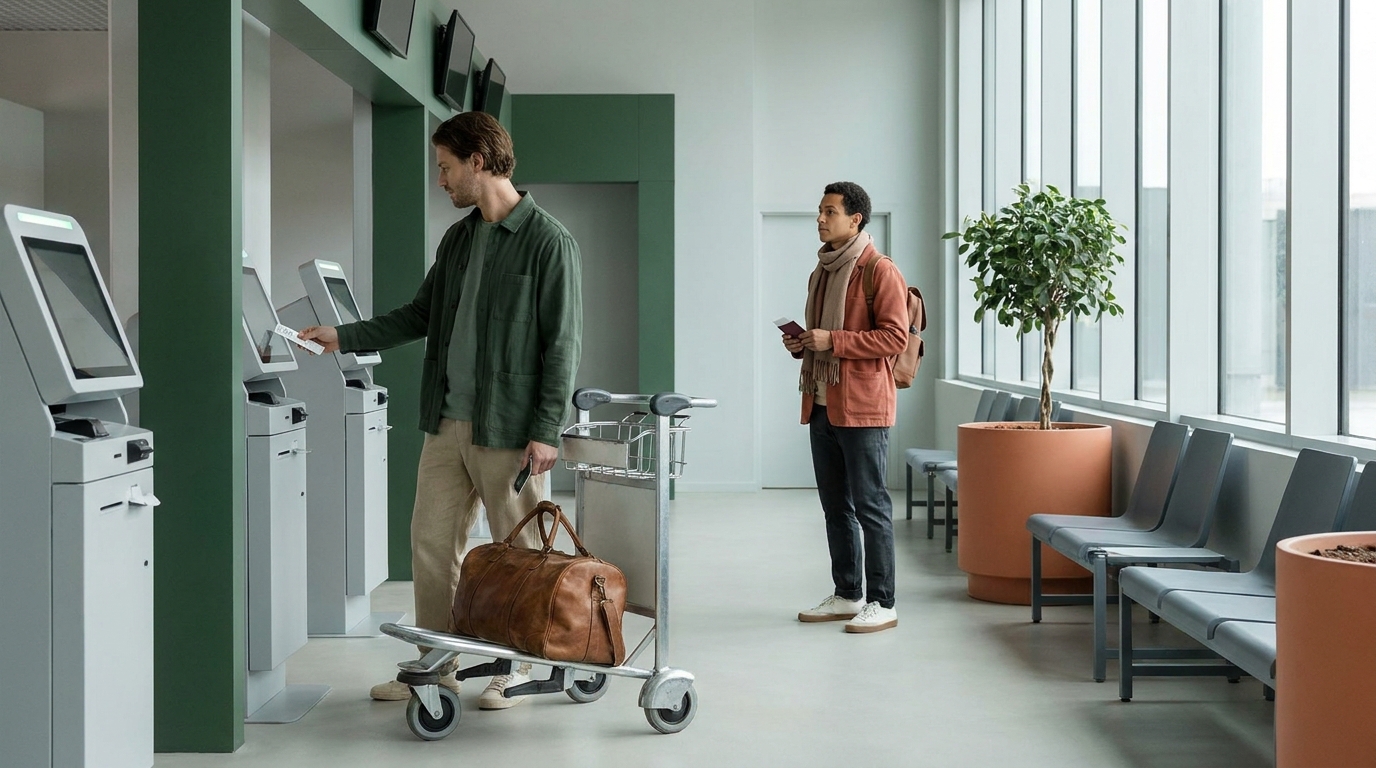
For many eligible flights you can check in at a kiosk or on your phone, print and attach the airline bag tag, then use your carrier’s self-service bag-drop to weigh and accept the bag. The core flow is: check in, print and attach tag, scan at the bag-drop, and send the bag when the system confirms it Finnair: how self-service bag drop works.
What “self check-in” and “bag-drop” actually mean
Three different steps
- Check-in: Do this online, in the app, or at a kiosk to get your boarding pass. Many airlines also let you add and pay for checked bags at the kiosk Air Canada: Self‑Service Kiosks, Frontier: Self‑Service Kiosks.
- Tag printing: The kiosk prints an airline baggage tag you attach to your suitcase Finnair: how self-service bag drop works.
- Bag acceptance: Only at the airline’s staffed counter or automated bag-drop does the system weigh, scan and officially accept your bag. A printed tag alone does not mean your bag is checked Frontier: Self‑Service Kiosks, Finnair: how self-service bag drop works.
Before you use a kiosk
Check that your airline offers self-service for this airport and journey, and confirm its check-in and bag-drop closing times. Some documents, special baggage or itinerary issues need staff assistance. Keep any baggage receipt or claim record the airline provides after acceptance.
Step-by-step: how to self check in baggage at the airport
1) Check in and add bags
Check in online or at a kiosk. If you still need to add checked bags or pay bag fees, many airlines let you do that at the kiosk before tags print Air Canada: Self‑Service Kiosks, Frontier: Self‑Service Kiosks.
2) Print and attach the airline bag tag
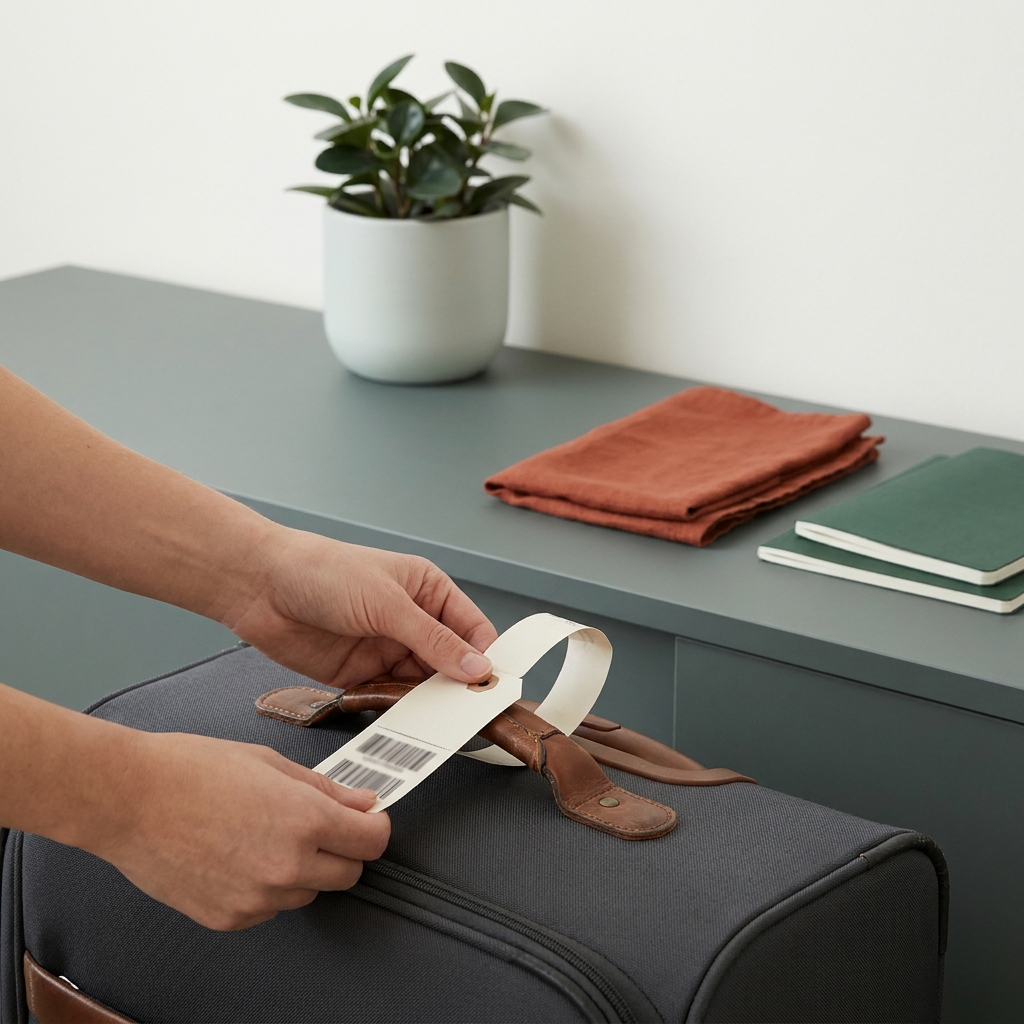
Use the kiosk to print the baggage tag and follow the diagram on the tag or kiosk screen to attach it firmly. Keep the barcode flat and visible so it scans cleanly at the bag-drop Finnair: how self-service bag drop works.
3) Add your own ID tag with privacy in mind
If you use a personal luggage ID tag, share only what you’re comfortable placing on the outside of your bag. Many travelers keep it minimal and use a phone number or email rather than a full home address. For details, see What not to put on a luggage tag (and what to write instead).
4) Go to the airline’s bag-drop
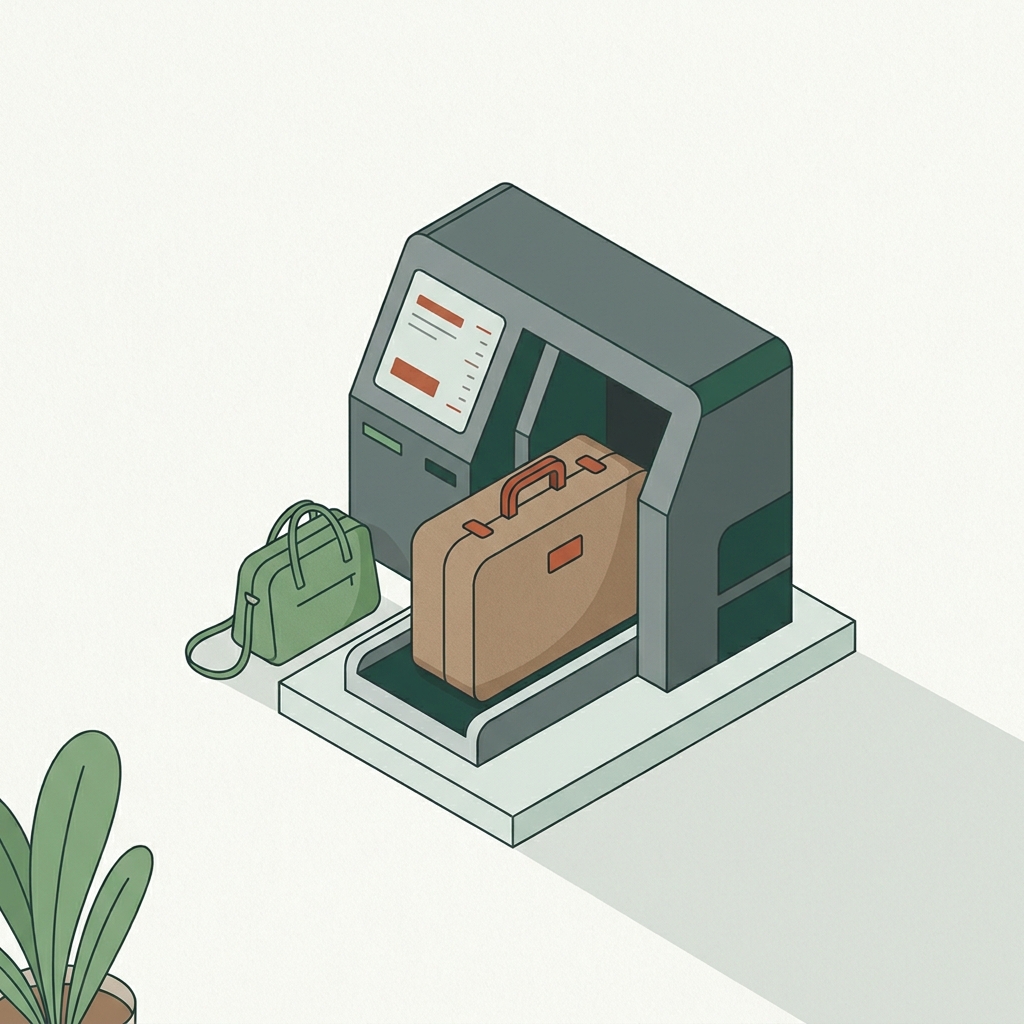
Head to your airline’s check-in/bag-check area, usually in the ticketing lobby. Follow signs for self-service bag-drop if available MSP Airport: Check In & Bag Check. At the machine, place the tagged bag on the belt, scan the bag tag or boarding pass as prompted, and send the bag when the system confirms acceptance Finnair: how self-service bag drop works.
5) If something flags, ask for help
If the kiosk or bag-drop reports a problem (tag scan, weight, or itinerary), an on-floor agent can assist. Airlines typically staff kiosk and bag-drop areas to help when needed Air Canada: Self‑Service Kiosks.
Worked example: one checked bag, self-tag and drop
At the terminal, you go to your airline’s kiosk, confirm check-in, add one checked bag and pay (if required), then print the boarding pass and baggage tag. You attach the tag, walk to the airline’s self-service bag-drop, place the bag on the belt, scan the tag, and the system weighs and accepts the bag. Complete any remaining airline document checks, retain the bag’s claim record and follow the airport signs to security. This is the flow many airlines describe for self-service Frontier: Self‑Service Kiosks, Finnair: how self-service bag drop works.
Avoid common snags
- Don’t stop at printing: your bag isn’t checked until it’s weighed/scanned and accepted at the airline counter or bag-drop Frontier: Self‑Service Kiosks.
- Attach tags exactly as shown so the barcode lies flat and outward; reprint if the machine asks for a new tag Finnair: how self-service bag drop works.
- Remove old journey tags and routing stickers as the airline instructs, keeping the current tag and permanent product/identity labels.
- Know your airline’s size/weight limits before you go; weighing at home helps avoid repacking at the airport. If you need a simple method, see Can I use a human scale to weigh my luggage?
Where you’ll find kiosks and bag-drops
Look for your airline’s check-in and bag-check area in the terminal ticketing lobby. Some airports also provide curbside services for selected airlines; always follow your airline’s specific instructions for your departure terminal MSP Airport: Check In & Bag Check.
Self bag-drop: do-this-now checklist
Quick FAQs
Can I add a checked bag at the kiosk if I already checked in online?
Often yes. Many airlines let you add and pay for checked bags at the kiosk, then print your tag before dropping the bag Air Canada: Self‑Service Kiosks.
How do I know my bag is officially checked?
Only after the airline’s counter or self-service bag-drop scans your tag and accepts the bag onto the belt is it considered checked. Printing a tag alone is not acceptance Frontier: Self‑Service Kiosks, Finnair: how self-service bag drop works.

Optional equipment for this guide
A home weight check can reduce surprises at self-service bag drop. It does not replace checking the airline’s size and weight rules.
As an Amazon Associate I earn from qualifying purchases. These are researched options, not hands-on test results. Check the exact size or model, current price and availability on Amazon.
| Product option | Fit and limits to check | Retailer |
|---|---|---|
| Product imageEtekcity digital luggage scale | A digital luggage scale for an advance weight check before leaving home. Recheck the airline’s allowance; the airport’s accepted reading and bag-tag process still control the check-in. | View on Amazon |